Video Overview
Nice find from Excessorize Me: a portable monitor that turns a Nintendo Switch 2 session into something closer to a full TV experience. The Arzopa Z1RC is a 16-inch 2.5K IPS display with a built-in kickstand, USB-C and HDMI connectivity, and a compact form factor built for travel and on-the-go use. This clip breaks down why it makes sense as a Switch 2 companion and what sets it apart from competing portable monitors in the 1080p budget category.
Items and/or Gear Mentioned in the Video
- Arzopa Z1RC 2.5K Portable Monitor (16″) – Purchase on Amazon
The Arzopa Z1RC is the singular focus here — a 2560×1600 IPS panel that brings a genuine resolution upgrade over the 1080p portable monitors that have dominated this category. At 500 nits brightness and with hardware dithering to near-8-bit color accuracy, the Z1RC is built for content consumption and gaming in a way that entry-level portable monitors simply aren’t.
Editor’s Insight
The portable monitor category has matured considerably over the last few years, moving from cheap 1080p panels with mediocre color accuracy into a segment where 2K and 4K options at affordable prices are genuinely viable. The Arzopa Z1RC sits at an interesting inflection point: 2.5K resolution in a form factor that’s portable enough to carry in a sling bag alongside a Switch 2 or laptop.
The 2560×1600 resolution with a 16:10 aspect ratio is an underappreciated specification. Most portable monitors ship in 16:9 configurations that match laptop and TV content perfectly but leave letterboxing at the top and bottom for anything in taller formats. The 16:10 panel gives you extra vertical real estate — useful for productivity, more immersive for gaming content that renders at or near the native resolution, and visually distinct from the sea of 16:9 competitors at this price point.
For Switch 2 use specifically, the HDMI and USB-C inputs matter. The Switch 2 docks over USB-C directly, and most portable monitors support that connection natively for both display signal and power delivery. That means you can run the Switch 2 into the Arzopa via a single USB-C cable, eliminating the dock entirely for a cleaner portable setup. The HDMI port provides a backup for devices that don’t support USB-C DisplayPort alternate mode, making the Z1RC versatile across gaming consoles, laptops, and phones.
The built-in kickstand is a feature that sounds trivial until you’ve struggled to prop a portable monitor against a wall or a bag in a hotel room. A solid integrated kickstand means the monitor stands independently at a usable viewing angle, which is essential for any setup where you’re not attaching it to a laptop. Arzopa’s kickstand design on the Z1RC covers a reasonable range of angles, which matters for different seating positions across couch gaming, desk use, and travel scenarios.
500 nits brightness is the other specification worth calling out. Entry-level portable monitors at 200-300 nits are fine for indoor use in controlled lighting but wash out quickly in any environment with ambient light — hotel rooms with large windows, outdoor cafes, even an office with overhead fluorescents. 500 nits puts the Z1RC in a bracket where bright environments are usable, not just survivable. For anyone who uses a portable monitor in varied environments, that brightness headroom is the difference between a monitor you actually use and one that spends most trips in the bag.
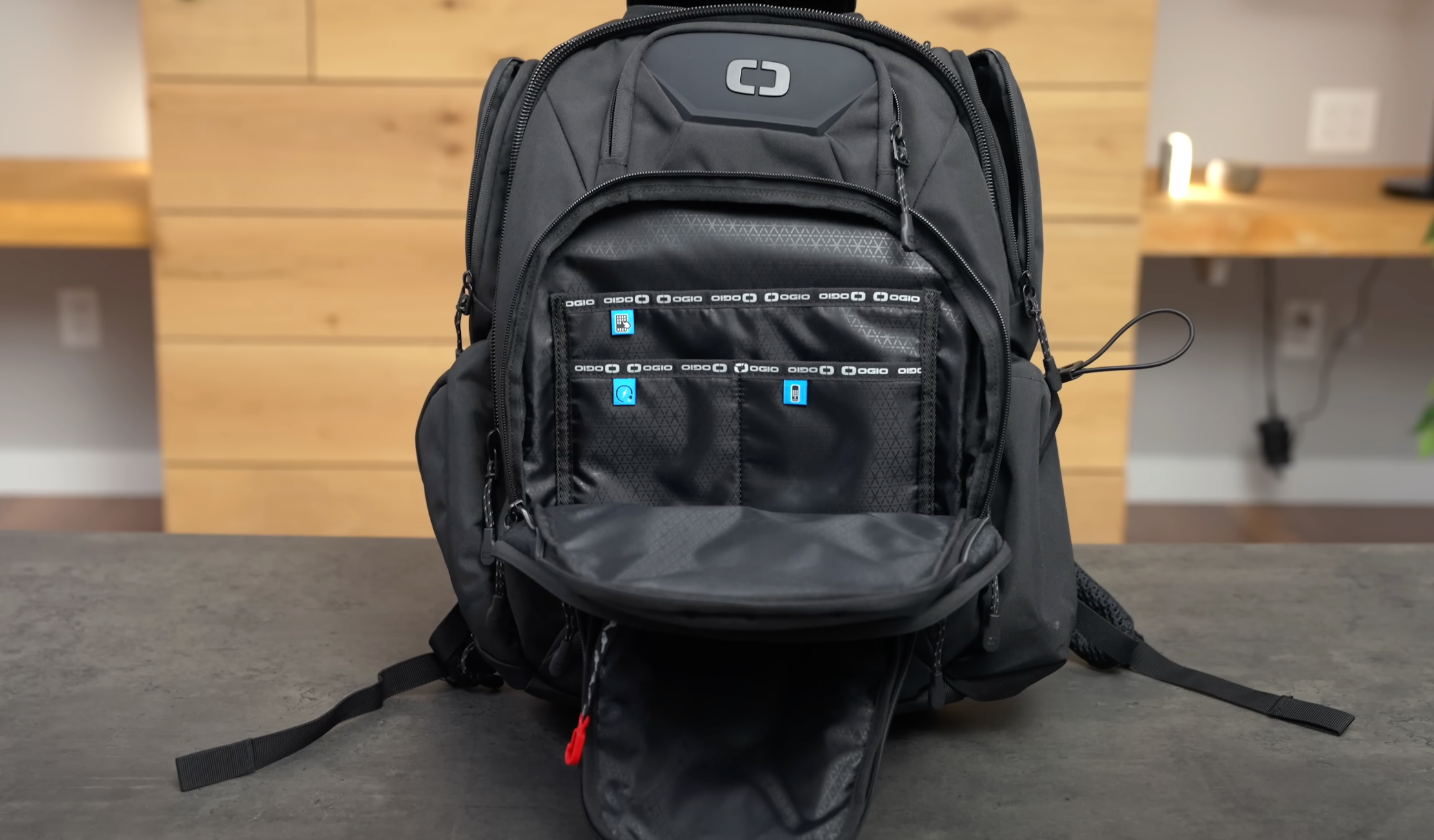
The EDC angle here is carry compatibility. A 16-inch monitor is not a pocket item — you’re carrying it alongside your Switch 2 in a sling or daypack that has a dedicated sleeve or flat compartment. The Z1RC’s dimensions make it compatible with a wide range of bags that have a 13-inch laptop sleeve; the extra few inches fit in bags that have a padded flat section rather than a specifically sized sleeve. That compatibility matters for anyone who wants to integrate a portable monitor into an existing carry loadout without buying a dedicated bag for it.
At its price point, the Z1RC competes against a crowded field of portable monitors from brands like Lepow, Espresso, and InnoView. What Arzopa has done is push the resolution ceiling down to accessible price territory — 2.5K in this form factor previously required a significant premium. Whether that resolution upgrade is worth it over a 1080p alternative depends on your use case: for gaming and content consumption, yes. For productivity work, the extra clarity on text and UI elements is immediately noticeable. Big thanks to Excessorize Me for highlighting this one — the full video covers the display quality hands-on.
Closing Remarks
The Arzopa Z1RC makes a compelling case for adding a portable monitor to a Switch 2 carry setup — 2.5K resolution, solid brightness, and a kickstand that actually works in the field. If you’re looking to extend your Switch 2 gaming sessions into a proper screen experience without lugging a TV, the Z1RC is worth a serious look. What’s in your Nintendo Switch 2 travel setup? Drop it in the comments. Affiliate links support the site at no extra cost to you.